FAQ's of OpenRoads Designer Software:
Q: How does OpenRoads Designer facilitate 3D modeling for civil infrastructure projects?
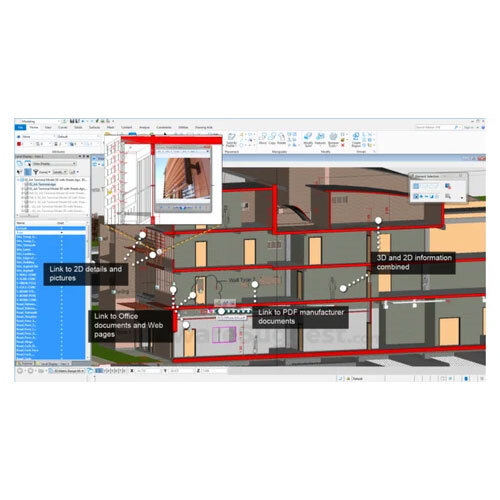
A: OpenRoads Designer offers robust 3D modeling capabilities, allowing civil engineers to design roads, highways, corridors, and process survey data efficiently. Its advanced tools help create detailed, realistic renderings and analyze infrastructure components with accuracy.
Q: What file formats can be used and exchanged within OpenRoads Designer?
A: The software supports a wide range of industry-standard file formats, including DGN, DWG, IFC, LandXML, ensuring seamless interoperability and collaboration with Bentley applications and other CAD platforms.
Q: When are automatic software updates provided in OpenRoads Designer CONNECT Edition?
A: Automatic software updates are available to users as part of the CONNECT Edition, ensuring access to the latest features, security improvements, and bug fixes as soon as they are released.
Q: Where can users access training and support resources?
A: Users can access comprehensive online training, documentation, webinars, and technical support directly through the official platform or Bentley's support portal, making it convenient for both beginners and advanced users.
Q: What licensing options are available for OpenRoads Designer, and how do they benefit organizations?
A: Both term and perpetual licensing options are available, offering flexibility for organizations of all sizes. Network license support provides multi-user access, optimizing resource allocation and project management.
 Call Us : 08045815970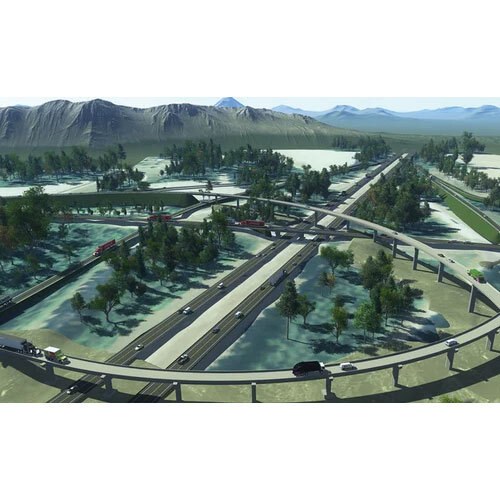

 Send Inquiry






 Send Inquiry
 Send Inquiry
 Send SMS